“As an Amazon Associate I earn from qualifying purchases if you click on any Amazon Link on this site”
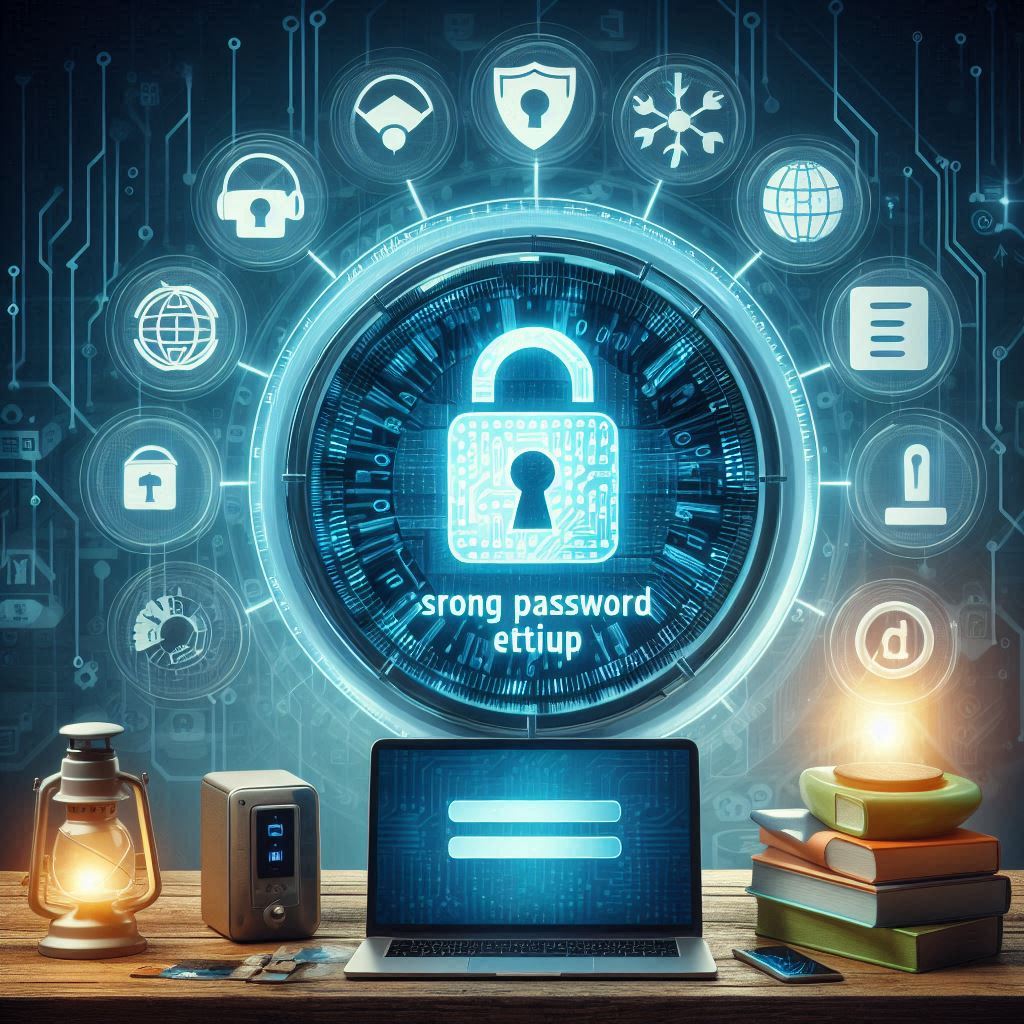
Your smart home is only as secure as the passwords that protect it. Weak passwords make it easy for hackers to access your devices, cameras, and personal data. At Home Secure IT, we believe that strong password habits are the foundation of every secure home. Below are 17 expert tips to help you build an impenetrable defence for all your connected devices.
1. Never Use Default Passwords
Factory-set passwords are public knowledge. We always recommends changing them immediately after device installation.
2. Create Unique Passwords for Each Device
Using one password for all devices is risky. We suggest giving every device a different code to isolate potential breaches.
3. Use at Least 12–16 Characters
Longer passwords are harder to crack. Most security experts advise mixing letters, numbers, and symbols for maximum strength.
4. Combine Uppercase and Lowercase Letters
Hackers use pattern-based attacks. Randomizing letter cases — like “hOmEsEcUrEit#2025” — makes your password far more complex.
5. Add Special Characters and Numbers
Symbols like @, $, and % enhance security. Home Secure It encourages creative substitutions like “H0meS3cure!” for added strength.
6. Avoid Personal Information
Birthdays, pet names, or addresses are easy to guess. Always remember never to use anything visible on social media.
7. Use a Password Manager
Remembering dozens of codes is hard. That’s why we recommend using a reliable, encrypted password manager.
8. Change Passwords Every 90 Days
Routine password rotation keeps intruders out. Set calendar reminders or use an app notification to stay on schedule.
9. Don’t Reuse Old Passwords
If a password was ever leaked, don’t bring it back. Some password managers help you generate fresh, unique combinations automatically.
10. Enable Two-Factor Authentication (2FA)
A second verification step (like an OTP) adds a powerful security layer. Most devices fully support 2FA integration.
11. Secure Your Wi-Fi Router First
Your router is the gateway to all devices. We advise setting a unique SSID and a strong WPA3 password.
12. Avoid Storing Passwords in Notes or Emails
Never save passwords in plain text. Home Secure IT recommends encrypted storage tools or locked password vaults only.
13. Use Passphrases Instead of Simple Words
A phrase like “BlueSky@MySafeHome” is harder to guess than a single word. Home Secure IT encourages memorable yet secure passphrases.
14. Check for Breached Passwords Online
Use trusted tools to see if your password has been leaked. Most systems alert users if suspicious login activity is detected.
15. Disconnect Unused Devices
Inactive devices are easy hacking targets. We suggest removing any old or inactive gadgets from your network.
16. Educate Every Family Member
Security isn’t just technical — it’s habitual. Some local councils will offers family workshops and guides to build awareness about password safety.
17. Update Device Firmware Regularly
Outdated software can expose even strong passwords. With most providers you have the option of automatic updates to ensure your devices stay protected from new threats.
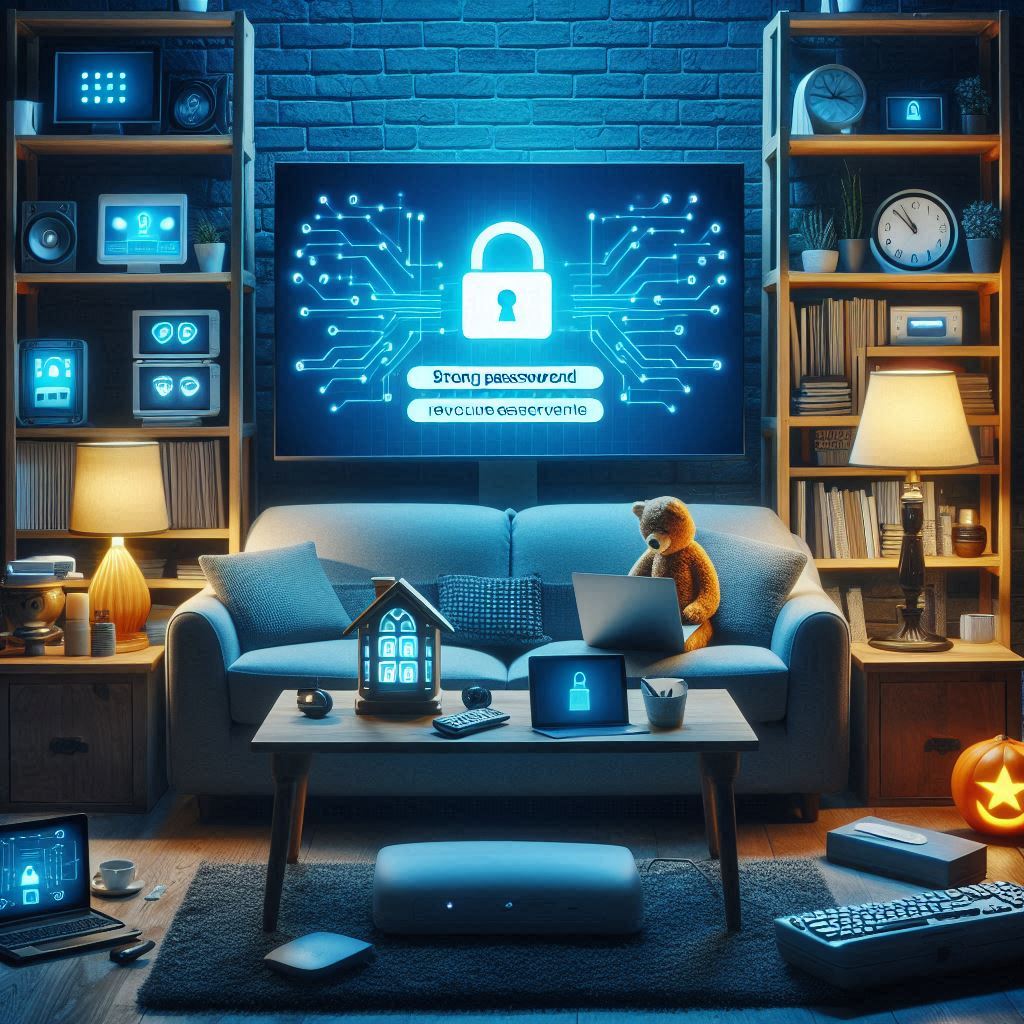
A strong password strategy isn’t just digital hygiene — it’s digital armour. By following these 17 smart tips from Home Secure IT, you can safeguard every device, protect your privacy, and keep hackers locked out of your smart home for good.
“As an Amazon Associate I earn from qualifying purchases if you click on any Amazon Link on this site”